Customer service teams handle a growing number of enquiries across phone calls, chats, emails and other channels. Managing these interactions manually can increase response times, create repetitive work and make it difficult to maintain consistent service quality.
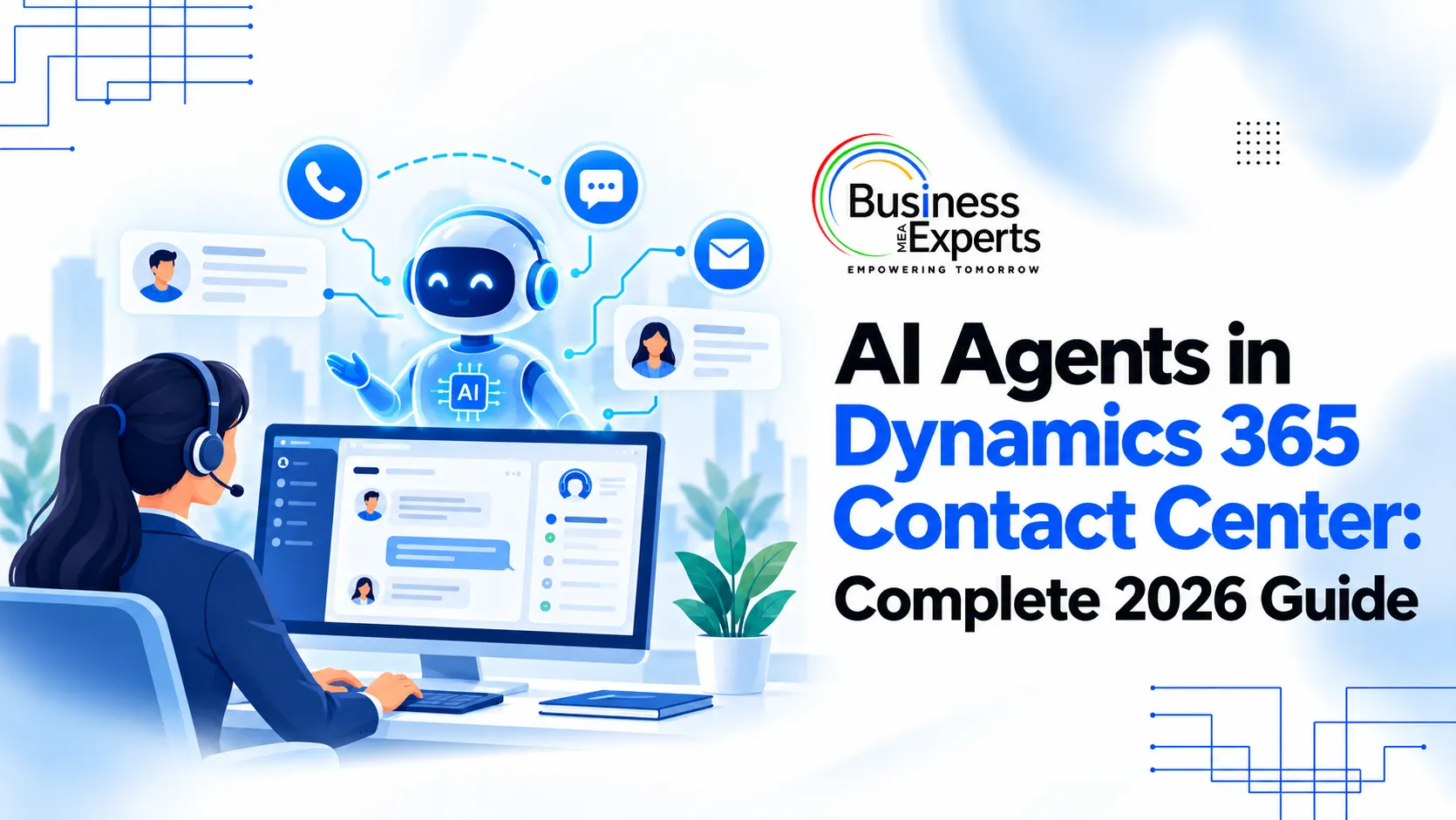
AI agents in Dynamics 365 Contact Center help businesses automate selected customer service tasks, understand customer needs and support service representatives during interactions. They can also help organisations evaluate conversations and improve their knowledge resources. They can also help organisations evaluate conversations and improve their knowledge resources, and they sit alongside wider AI-powered Dynamics 365 CRM capabilities
What Are AI Agents in Dynamics 365 Contact Center?
AI agents are smart devices that employ AI technology to carry out certain tasks according to the instructions provided by the business and customer data as well as sources of knowledge.
Dynamics 365 Contact Center is an integration of AI technologies along with omnichannel engagement and service processes. The objective of Dynamics 365 Contact Center is to enable businesses to handle routine queries more effectively while representatives can concentrate on complex customer issues.
Key AI Agents in Dynamics 365 Contact Center
Microsoft provides specialised AI agents for different customer service activities. Their availability and capabilities can vary depending on the Dynamics 365 application, configuration and release status.
1. Customer Intent Agent
The Customer Intent Agent analyzes past and present customer engagements in order to determine the common intents for reaching out to a business. This assists organizations in creating and keeping an intent library that caters to the needs of the customers.
Business benefits include:
- Better understanding of recurring customer enquiries.
- More relevant responses and recommendations.
- Improved self-service and intent-based routing.
2. Case Management Agent
The Case Management Agent helps automate parts of the case lifecycle in Dynamics 365 Customer Service. It can assist with creating and updating case records, populating relevant fields, and managing follow-ups based on configured rules.
By reducing manual data entry and repetitive case administration, it gives service representatives more time to investigate issues and assist customers.
Note: Microsoft documents the Case Management Agent as a Dynamics 365 Customer Service capability, rather than a standalone Contact Center agent.
3. Quality Assurance Agent
The QA agent assesses the supported conversations against predefined quality and compliance criteria. It has the capability of detecting possible problems, suggesting improvements to be made, and delivering coaching tips even during a live conversation.
This allows organizations to expand their quality control practices into the assessment of more than just a few conversations that they have selected. The use of AI for this purpose still requires proper management.
4. Customer Knowledge Management Agent
Customer service teams often resolve issues that reveal useful information but fail to document it for future reference. The Customer Knowledge Management Agent helps address this gap.
After a case is closed, the agent can analyse case details, notes, conversations and related information to draft knowledge articles. It can also identify gaps in the existing knowledge base and help reduce duplicate content.
The resulting articles should be reviewed for accuracy and relevance before being published or used to guide customer responses.
5. Service Operations Agent
The Service Operations Agent supports contact centre administration through an AI-powered experience. It can help administrators configure contact centre components, validate settings and troubleshoot operational issues using conversational guidance.
Other AI Capabilities in Dynamics 365 Contact Center
Beyond the specialised agents, Contact Center includes several features that support engagement and productivity:
- Omnichannel engagement: Manage interactions across supported voice and digital channels, with unified routing sending each enquiry to the right resource.
- Copilot assistance: Representatives get conversation summaries, drafted responses and knowledge suggestions, which cuts repetitive work during live interactions.
- Proactive engagement: Reach customers at relevant moments in their service journey, using supported capabilities.
- Collaboration through Microsoft Teams: Bring in subject matter experts during a conversation when a representative needs extra help.
Benefits of AI Agents for Customer Service Teams
When implemented with suitable workflows and controls, AI agents can help businesses improve several areas of customer service.
- Faster issue resolution: Routine enquiries can be handled more efficiently, while representatives receive relevant information to support complex cases.
- Reduced manual work: Automated case updates, summaries and knowledge drafting can reduce repetitive administrative tasks.
- Consistent service quality: AI-supported evaluations help supervisors identify recurring problems and coaching opportunities.
- Improved self-service: Better intent recognition and relevant knowledge resources can help customers find answers without always needing a representative.
- Better operational visibility: Insights from customer interactions can reveal common enquiries, service gaps and areas for improvement.
The actual results depend on the quality of the implementation, the types of enquiries handled and how well the AI capabilities are configured.
What Should Businesses Consider Before Implementation?
AI agents need more than technical deployment to deliver useful results. Businesses should prepare their processes, data and teams before enabling them.
Start with the right workflows. Identify repetitive, high-volume tasks that are suitable for automation. Define which decisions an agent can make independently and when it must involve a human representative.
Maintain reliable data. AI-generated responses, intent libraries and knowledge articles depend on the quality and completeness of the underlying Dynamics 365 CRM data. Outdated or inconsistent information can affect the results.
Establish clear controls. Configure permissions, business rules, escalation paths and compliance checks. Sensitive or high-impact decisions should have appropriate human oversight.
Review AI-generated outputs. Regularly check intent classifications, knowledge articles and quality evaluations. AI may miss sarcasm, cultural nuance or complex conversational context, so its suggestions should not replace human judgement.
Measure performance. Track relevant metrics such as resolution rates, customer satisfaction, response times, case handling effort and quality evaluation results. Use these measures to identify where the implementation needs improvement.
Businesses should also verify supported languages, regional availability, licensing requirements and feature limitations with Microsoft before deployment.
How BEMEA Can Help Businesses Adopt AI-Powered Dynamics 365 Solutions
Bringing AI into customer service works best when you understand your processes, your existing systems and the outcomes. BEMEA helps businesses explore Microsoft business solutions and find ways to improve workflows through implementation, integration and customisation.
Whether you want to streamline customer enquiries, make representatives more productive or connect customer service with the rest of your business, BEMEA can help you assess your requirements and plan a suitable approach.