










Copilot

Increased Productivity

Copilot

Strategic Decision

Copilot

Cost Savings

Copilot

Increased ROI

Transform Microsoft 365 Storage into a Strategic Asset

Your Microsoft 365 environment may be storing more than you need. Stale data across SharePoint, Teams, OneDrive, and mailboxes consumes valuable storage, increases costs, and reduces the effectiveness of Microsoft Copilot agents by introducing irrelevant or outdated information into AI-driven experiences.

Copilot Tenant Storage Optimisation (TSO) helps you identify storage waste, uncover risks, and optimise your Microsoft 365 environment with actionable insights, creating a cleaner, more efficient foundation for Microsoft Copilot and AI.

copilot tso

See What's Consuming Storage and Why It Matters

TSO provides a complete view of storage consumption across Microsoft 365, helping your IT team quickly identify waste, risk, and optimisation opportunities from a single dashboard.

Instead of relying on manual reviews, your organisation gain clear visibility into where storage is being consumed and where action is needed.

Get complete Microsoft 365 visibility with confidence: no changes to your tenant, no data stored, and no risk.

How BEMEA Helps Organizations Optimize Storage at Scale

Storage optimization is not a one-time cleanup exercise. Long-term success requires governance, ownership, and continuous monitoring.

BEMEA supports every stage of the optimization journey.

Benefits of choosing

Assessment

Understand your current storage usage, growth patterns, governance gaps, and key cost drivers.

Benefits of choosing

Strategy

Develop storage governance policies, optimization priorities, retention frameworks, and AI readiness plans for your organisation.

Benefits of choosing

Implementation

Execute storage cleanup initiatives, archival programs, governance controls, and optimization activities.

Benefits of choosing

Continuous Monitoring

Track storage growth, monitor governance compliance, and identify new optimisation opportunities through ongoing reporting and reviews.

Comprehensive Storage Intelligence Across Microsoft 365

TSO provides actionable visibility across every major Microsoft 365 workload.

sharepoint copilot icon

SharePoint Storage Insights

Identify inactive sites, oversized libraries, and underutilized storage.

  1. Storage usage by site
  2. Last activity visibility
  3. Site ownership tracking
  4. Archive opportunities
onedrive icon

OneDrive Usage Analysis

Understand personal storage consumption and identify unmanaged accounts.

  1. User storage breakdown
  2. Quota utilization tracking
  3. Activity monitoring
  4. Inactive account detection
mail icon

Mailbox Storage Intelligence

Gain visibility into mailbox growth and storage optimisation opportunities.

  1. Mailbox storage analysis
  2. Archive usage visibility
  3. Over-quota identification
  4. Retention policy reviews
team icon

Teams Content Visibility

Discover hidden storage consumption across Teams environments.

  1. Teams file storage insights
  2. Inactive team detection
  3. Workspace storage visibility
  4. Archive recommendations
action icon

Actionable Recommendations

Turn storage findings into prioritized actions.

  1. Priority scoring
  2. Estimated storage savings
  3. Recommended next steps
  4. PDF and Excel exports
cost icon

Storage Cost Optimization

Understand the financial impact of storage growth.

  1. Annual storage cost analysis
  2. Savings projections
  3. Storage cost calculations
  4. Before-and-after comparisons

Compare Scan Results and Measure Improvement

Track storage optimization progress over time. Compare historical scans, measure reclaimed storage, monitor reductions in recommendations, and export detailed reports for stakeholders.

copilot scan
copilot overview

View Your Complete Storage Environment in One Place

Get an instant overview of storage across SharePoint, OneDrive, Exchange, and Teams. Understand total storage consumption, scanned assets, and optimization opportunities from a single dashboard.

Identify SharePoint Sites Consuming Valuable Storage

Quickly identify large sites that continue to consume storage despite little or no business activity. Review storage size, ownership, activity history, and archive opportunities.

copilot sharepoint
copilot exchnage

Reveal Mailbox Storage Growth Across the Tenant

Gain visibility into mailbox storage consumption across user, shared, and distribution mailboxes. Identify inactive content, oversized mailboxes, and long-term storage growth trends.

Surface Unmanaged Sites That Need Attention

Unmanaged sites often create governance and compliance risks. TSO highlights ownerless SharePoint sites, helping organizations assign ownership and improve accountability.

copilot no owner
copilot recommendation

Turn Findings into Prioritized Actions

Every finding is automatically converted into a recommendation with estimated savings, priority levels, and suggested actions. This helps teams focus on high-impact opportunities first.

Understand the Cost Impact of Excess Storage

Storage Economics connects storage findings with financial impact. Organizations can understand current storage costs, model potential savings, and build stronger business cases for optimization initiatives.

copilot storage

Strengthen Governance and Compliance

TSO helps organizations understand where information resides, who owns it, and how it should be managed throughout its lifecycle. Organizations can:

Reduce AI Hallucinations Through Better Data Quality

AI systems depend on the quality of the data they access. Outdated documents, duplicate files, abandoned sites, and conflicting information can reduce the accuracy of AI-generated responses.

TSO helps your organisation create a cleaner, more reliable Microsoft 365 environment that improves AI performance and Copilot readiness.

Benefits include:

  1. Reduced exposure to outdated content
  2. Improved source-of-truth management
  3. Better information discoverability
  4. Reduced duplication
  5. More reliable AI responses
  6. Stronger Copilot readiness
How it works

Three steps to a cleaner tenant

No agents to install, no professional services engagement. You connect, we scan, you act.

1

Connect

Grant read-only Microsoft 365 access in under 30 seconds via standard OAuth consent. No admin agent to install, no firewall rules — just a standard Microsoft permissions flow.

2

Scan

TSO performs a deep scan of every SharePoint site, OneDrive account, Exchange mailbox, and Teams channel in your tenant — returning results in minutes with full workload breakdowns.

3

Clean

Download your prioritised action plan — with estimated savings per item, archive recommendations, and your total annual overage — as a PDF report or working Excel workbook.

Why Choose BEMEA for Tenant Storage Optimization?

BEMEA combines Microsoft expertise, governance best practices, and proven optimization methodologies to help organizations reduce storage costs and prepare for AI adoption.

Business Process Consulting

Microsoft 365 Expertise

Gain complete visibility across SharePoint, OneDrive, Exchange, and Teams with guidance from experienced Microsoft specialists.

Icon

Build an AI-Ready Environment

Create a cleaner and better-governed data foundation that improves the effectiveness of Microsoft Copilot and future AI initiatives.

Icon

Lower Storage Costs

Identify and eliminate unnecessary storage consumption while improving long-term cost control.

Icon

Stronger Governance and Compliance

Improve visibility, ownership, retention, and information lifecycle management across the tenant.

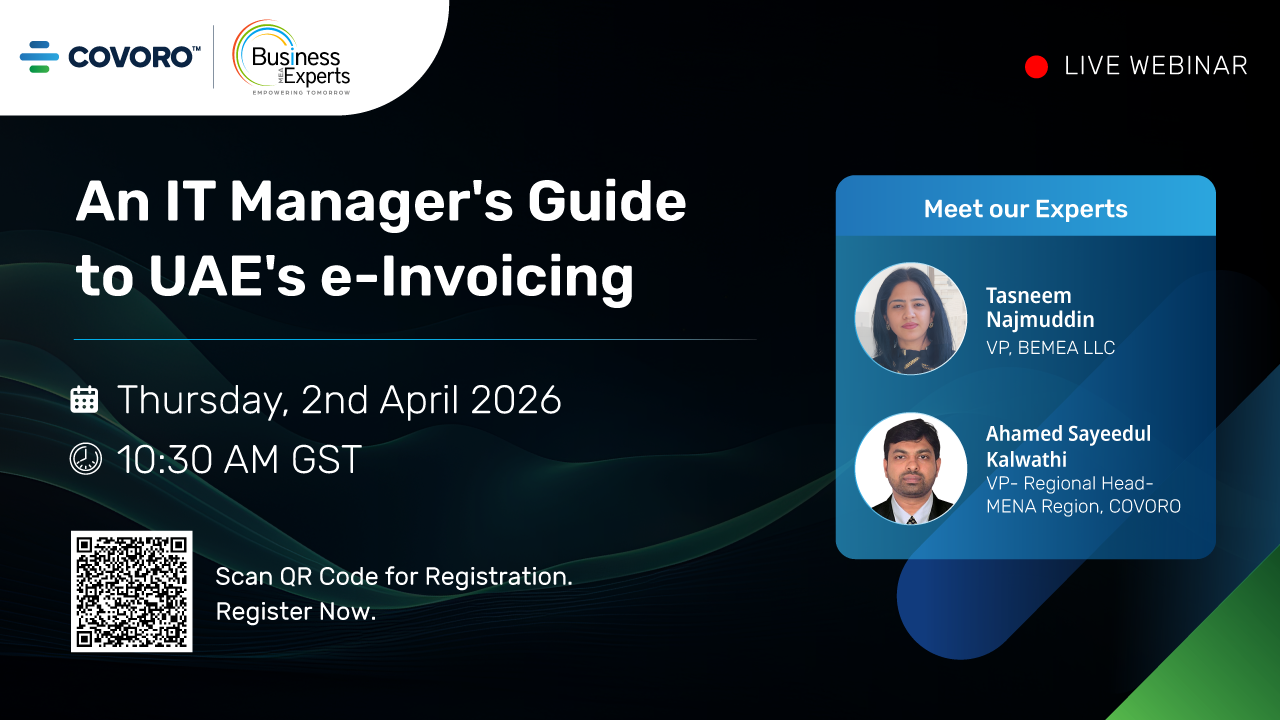
Stay FTA Compliant with Our E-Invoicing Solution

With upcoming UAE e-invoicing regulations, ensure your ERP and accounting systems are fully compliant and future-ready

Please fill the below details!

Your information

Schedule your free demo with us now!

Schedule a meeting

Book a time that suits you. We’ll discuss your project requirements and explore how we can help bring your vision to life.

Choose Meeting Type

Quick Call

Talk through your goals with our team.

15 min

Free Consultation

Discuss your project requirements and get expert advice.

30 min

Technical Discussion

Deep Dive into Technical Requirements & Architecture

1 hour

Please fill the below details!

    download icon

    Please fill the below details!

      download icon

      Please fill the below details!

        download icon

        Please fill the below details!

          download icon

          Please fill the below details!

            download icon

            Schedule your free demo with us now!