💡 Key Takeaways
Microsoft Dynamics 365 Cloud Deployment
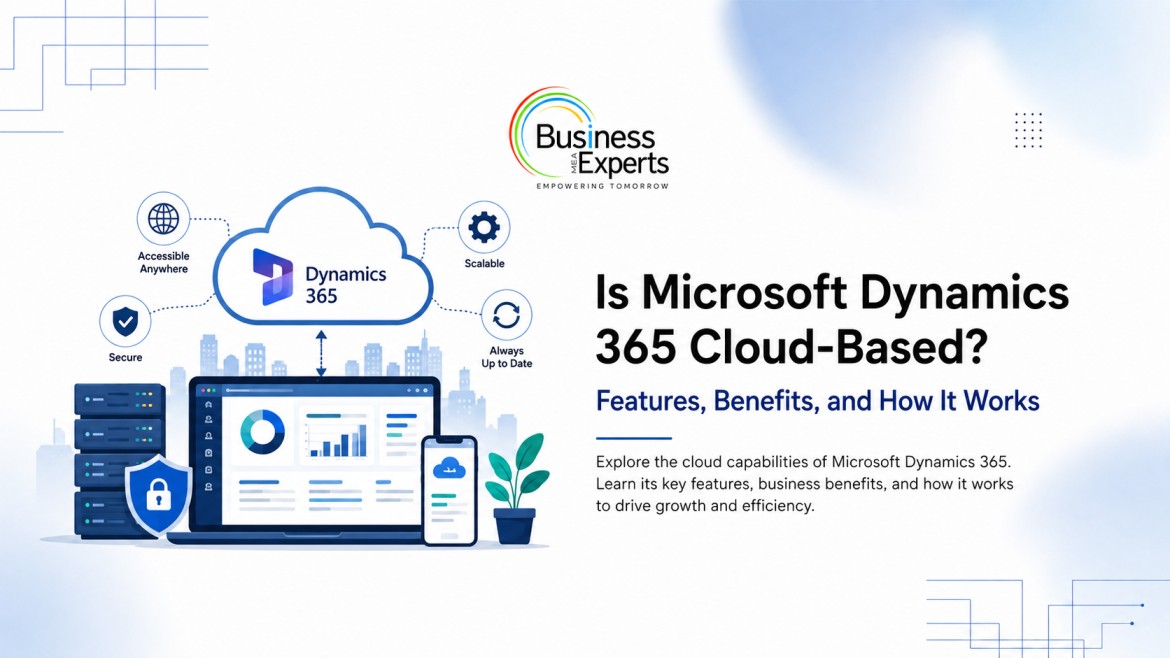
Microsoft Dynamics 365 is primarily delivered as a cloud-based SaaS platform through Microsoft Azure. Microsoft manages the underlying infrastructure, updates and platform maintenance, while businesses subscribe to the applications they need and configure them around their processes, users, data and security requirements.
This reduces the need to manage physical servers, storage, hardware capacity and routine infrastructure maintenance. However, deployment options vary by application. Dynamics 365 Finance + Operations, for example, also supports on-premises deployment, so the appropriate model depends on the specific application and business requirements.
How Microsoft Dynamics 365 Works
Dynamics 365 combines business applications with Microsoft’s wider cloud ecosystem. Instead of operating as an isolated ERP or CRM platform, it can connect business data with Power Platform, Azure, analytics, and AI.
SaaS Delivery Through Microsoft Azure
Microsoft provides the infrastructure required to run Dynamics 365. Businesses access the applications through subscriptions while Microsoft manages the underlying cloud environment.
This shifts IT priorities from infrastructure maintenance towards applications, integrations, data and governance.
Modular Business Applications
Dynamics 365 includes applications for different business functions, allowing organisations to build a technology environment around their requirements.
These include:
- Sales
- Customer Service
- Finance
- Supply Chain Management
- Business Central
Dynamics 365 Cloud vs. On-Premise vs. Hybrid
Cloud is generally suited to organisations seeking scalability and lower infrastructure overhead. On-premises or hybrid models can be relevant where regulatory, connectivity or existing
| Factor | Cloud | On-Premise | Hybrid |
|---|---|---|---|
| Hosting | Microsoft Azure | Customer infrastructure | Mixed |
| Updates | Microsoft-managed | Customer-managed | Varies |
| Infrastructure update | Lower | Higher | Moderate |
| Scalability | High | Infrastructure-dependent | Varies |
| Best suited to | Growing, agile businesses | Specific regulatory or infrastructure needs | Mixed environments |
Key Features of Microsoft Dynamics 365
Dynamics 365 combines core business applications with analytics, automation and AI capabilities. This allows organisations to build a more connected business technology environment.
Unified Business Applications
Applications for sales, customer service, finance and operations can work within the wider Dynamics 365 ecosystem, helping organisations reduce disconnected systems and improve data flow between functions.
Power Platform and Power BI Integration
Dynamics 365 works with Power BI and Power Platform for analytics, automation and application development. Businesses can extend their core applications without creating entirely separate technology environments.
AI and Copilot Capabilities
Microsoft continues to integrate AI and Copilot capabilities across Dynamics 365. These can support tasks such as summarising information, generating content and surfacing business insights.
Real-Time Data and Dataverse
Dataverse provides a common data foundation for many Microsoft business applications and Power Platform scenarios, supporting connected reporting, automation and application development.
Key Benefits of Cloud Deployment
The value of Dynamics 365 cloud deployment goes beyond eliminating physical servers. It can influence IT costs, scalability, application management and the adoption of new capabilities.
Lower Infrastructure Costs
Cloud deployment reduces the need for businesses to invest in and maintain their own servers and supporting infrastructure. Subscription pricing can also make technology expenditure more predictable, although licensing, implementation and support should be included in total cost calculations.
Reduced IT Burden
Microsoft manages the underlying cloud infrastructure and service updates, allowing internal IT teams to focus more on:
- Security and governance
- Business applications
- Integration
- Data management
Scalability
Cloud infrastructure can accommodate changing user numbers, applications and workloads without requiring businesses to continually expand physical infrastructure.
Security and Accessibility
Dynamics 365 benefits from Microsoft’s cloud services security capabilities while allowing authorised users to access applications across locations and supported devices. Businesses remain responsible for configuring identities, permissions and data governance correctly.
AI and Business Insights
Cloud deployment provides a foundation for connecting operational data with analytics, automation and AI. The business value comes from applying these capabilities to areas such as finance, customer management and supply chain operations.
Dynamics 365 Cloud Deployment in the UAE and GCC
For UAE and GCC organisations, cloud deployment needs to be considered alongside data governance, regional compliance and future expansion. A well-planned architecture should support local requirements without limiting long-term scalability.
Key considerations include:
- Data residency and governance
- Regional financial and tax requirements
- Integration with existing systems
- Multi-entity and multi-country operations
- Security and access controls
An experienced Microsoft Dynamics 365 partner can help organisations evaluate these requirements, select the appropriate deployment model and manage implementation, integration and migration.
Choosing the Right Dynamics 365 Deployment Model for Your Business
Microsoft Dynamics 365 is primarily a cloud-based platform designed to connect business applications, data, analytics and AI. Cloud deployment can reduce infrastructure overhead while providing scalability and access to Microsoft’s wider technology ecosystem.
For UAE and GCC businesses, the right deployment model should be based on business processes, compliance, data governance, integrations and future growth. BEMEA helps organisations assess and implement Dynamics 365 around these requirements, from solution planning and configuration to integration and ongoing optimisation.
FAQs
Is Microsoft Dynamics 365 fully cloud-based?
Dynamics 365 is primarily cloud-based, but deployment options vary by application. Most applications are delivered through Microsoft’s cloud services, while Dynamics 365 Finance + Operations also supports an on-premises deployment option.
What does SaaS mean for Dynamics 365?
SaaS means Microsoft delivers Dynamics 365 as a managed cloud service. Microsoft manages the underlying infrastructure, while businesses manage configuration, users, data, permissions and business processes.
Can Dynamics 365 work without an internet connection?
Cloud-based Dynamics 365 depends on connectivity to access the service. Offline capabilities vary by application, so organisations with connectivity constraints should assess their specific workloads before selecting a deployment model.
Is Dynamics 365 cloud deployment secure?
Dynamics 365 benefits from Microsoft’s cloud security infrastructure. Businesses still need to configure identity, permissions, integrations and data access correctly to maintain an effective security posture.
Is Dynamics 365 cloud cheaper than on-premise?
Cloud deployment can reduce upfront infrastructure costs, while on-premises deployment involves hardware and infrastructure management. A meaningful comparison should consider licensing, implementation, support and total cost of ownership.
Does Dynamics 365 cloud include Power BI and AI?
Dynamics 365 integrates with Power BI, Power Platform and Microsoft’s AI capabilities. The exact functionality available depends on the application, licensing and configuration.